
Choose by processor, not age.
Some Intel and Apple Silicon models overlap in release year. The Chip or Processor field is the useful check. Separate downloads are available for both; use the matching package.
Apple Silicon + Intel packages
Save MP4 video, MP3, or Original audio and keep the results in your local Library. Choose the Mac build that matches your processor, then start from a YouTube link.
Free desktop app · MIT licensed · No desktop account
Step by step
01
Open the Apple menu and choose About This Mac. If it shows Chip with Apple M1, M2, M3, M4, or newer, choose Apple Silicon. If it shows Intel Processor, choose Intel. Model year alone is not reliable.
02
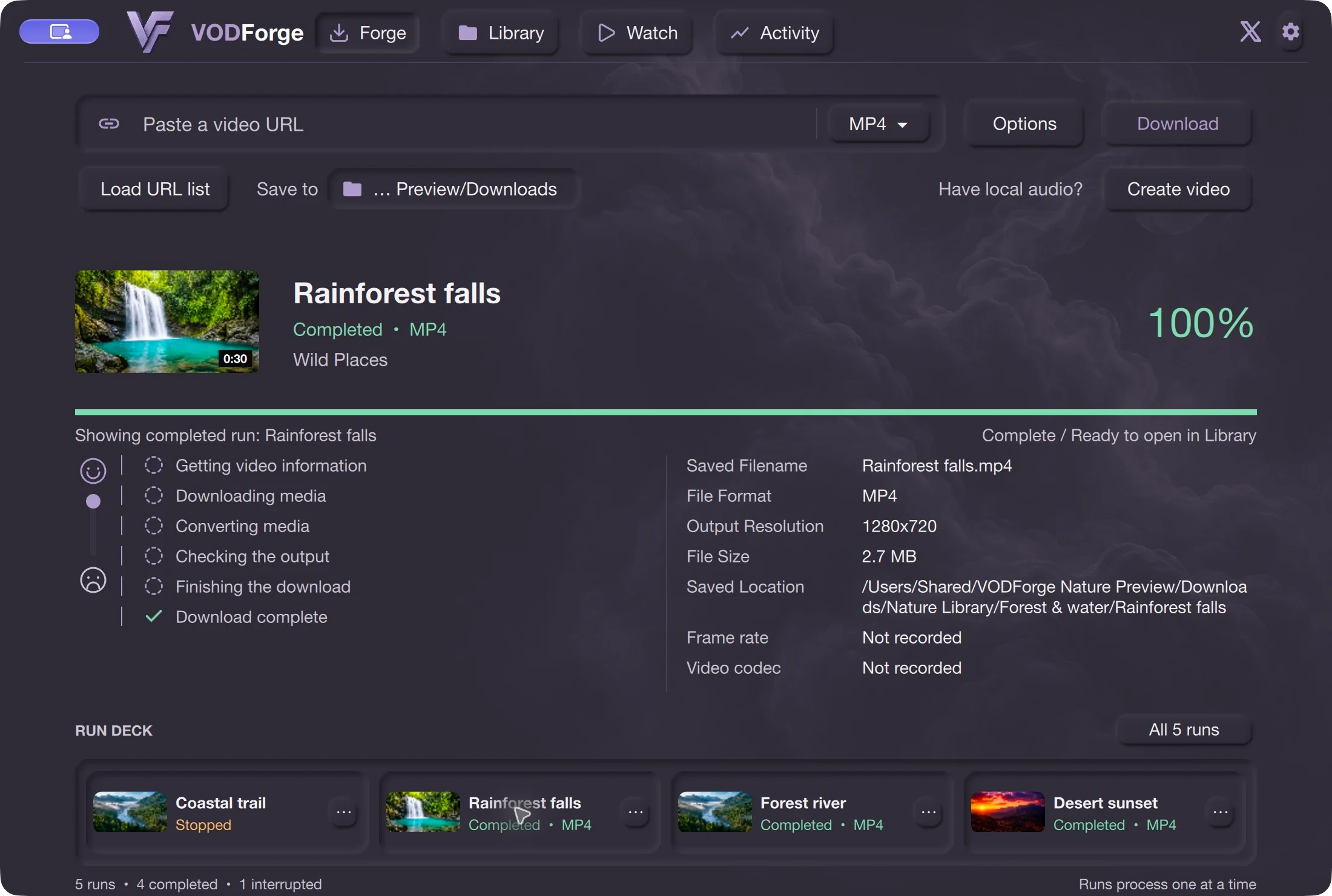
Download the matching signed release below. Open the ZIP to extract VODForge.app, then move the app to Applications. Keep the application bundle intact; its runtime is inside.
03
Open VODForge normally. The public Mac app is Developer ID signed, notarized, and stapled. In Forge, choose Save to for your downloads; no Python or command-line setup is needed for the packaged release.
04
Paste a YouTube video or playlist URL. Choose MP4, MP3, or Original audio, review Options, then choose Download. Keep the Mac awake while the run finishes and find the result in Library.
Browse the Library, inspect saved-output details, and play supported local media inside VODForge. The file stays on your Mac, so a completed local file can be used offline. Downloading a new YouTube source still needs a network connection.
Follow the MP4 workflow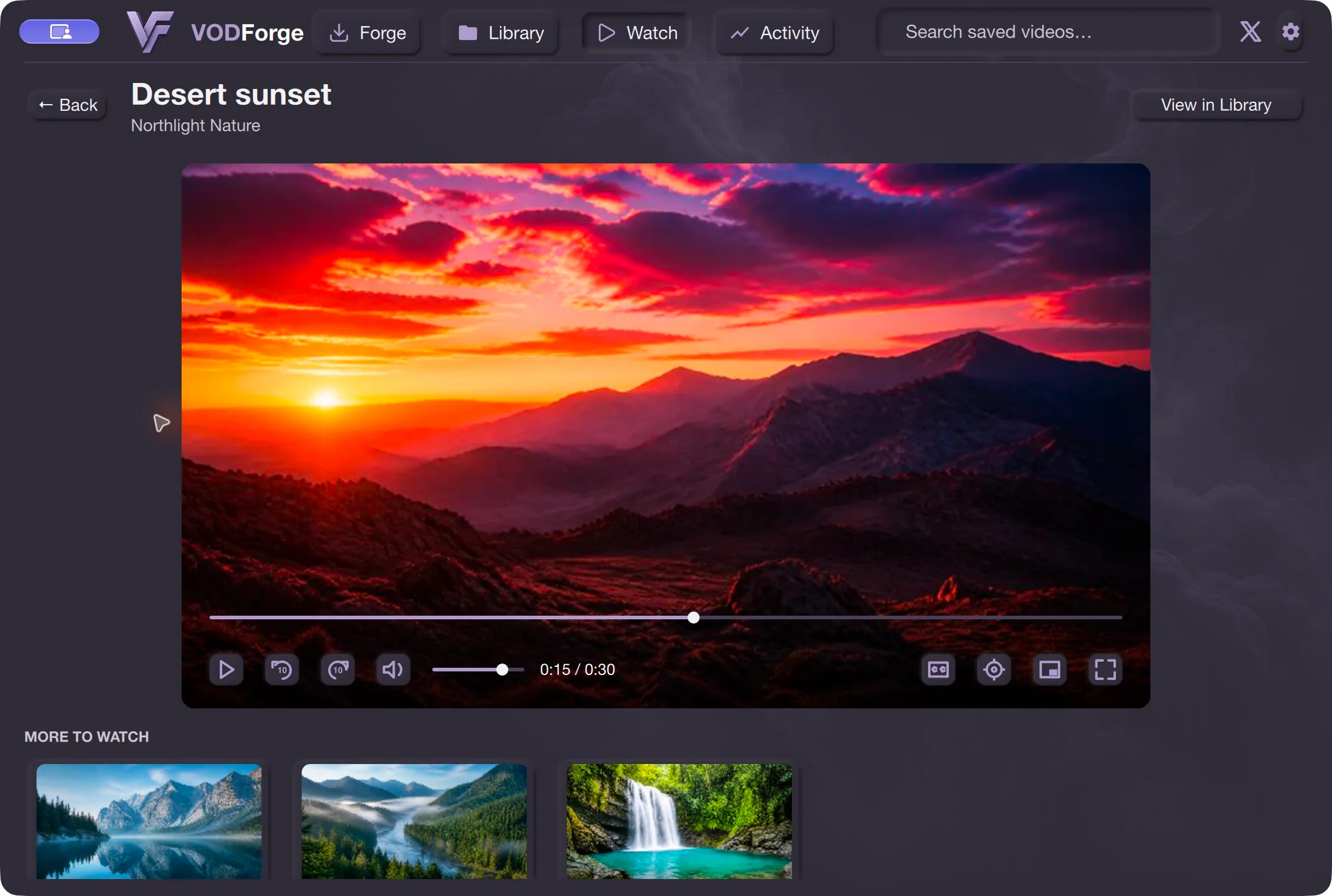
Some Intel and Apple Silicon models overlap in release year. The Chip or Processor field is the useful check. Separate downloads are available for both; use the matching package.
These links redirect to the public GitHub Release assets. Compare a file’s SHA-256 with the published checksum if you need to verify its bytes. If macOS reports a damaged or unexpected package, recheck the source and download instead of disabling security controls.
Save only content you are entitled to download and check the platform’s terms. Source availability, access restrictions, and provider changes can prevent downloads.
Yes. The published release has separate arm64 and x64 macOS ZIP assets. Choose Apple Silicon for an Apple Chip and Intel for an Intel Processor in About This Mac.
Not for the packaged app. Its required runtime and tools are bundled. Running from source is a different developer workflow.
The desktop app works on your Mac, so downloads need the computer awake and connected until they finish. Do not assume closing the lid leaves the run active.
Published release · VODForge 0.2.5
The published Apple Silicon package requires macOS 26 or newer; the Intel package requires macOS 15 or newer. These are bundled-binary requirements, not a full tested-device compatibility matrix. Windows 10/11, 64-bit. No desktop account required. Packaged releases include the tools they need.
macOS 26 or newer. Choose when About This Mac shows an Apple Chip.
VODForge-macOS-arm64-v0.2.5.zip
macOS 15 or newer. Choose when About This Mac shows an Intel Processor.
VODForge-macOS-x64-v0.2.5.zip
Developer ID signed and notarized on Mac; signed Windows packages. SHA-256 checksums · Published release notes · Privacy choices
Practical guides