Portable describes packaging.
The portable ZIP avoids the installer. It does not mean every preference or record lives beside the executable, and it is not a promise that the app runs on every Windows architecture.
Windows 10 and 11 · 64-bit
Use the installer for a normal setup, or choose the portable ZIP if you prefer to keep an extracted app folder. Save video and audio locally and find it again in VODForge’s Library.
Free desktop app · MIT licensed · No desktop account
Step by step
01
Download VODForge-Windows-Setup from the official release below. The per-user installer places the app and its runtime together, adds shortcuts, and provides an uninstaller.
02
If you choose the portable version, extract the whole ZIP before opening VODForge.exe. Keep the executable and its _internal runtime together. Moving only the executable can break the packaged app.
03
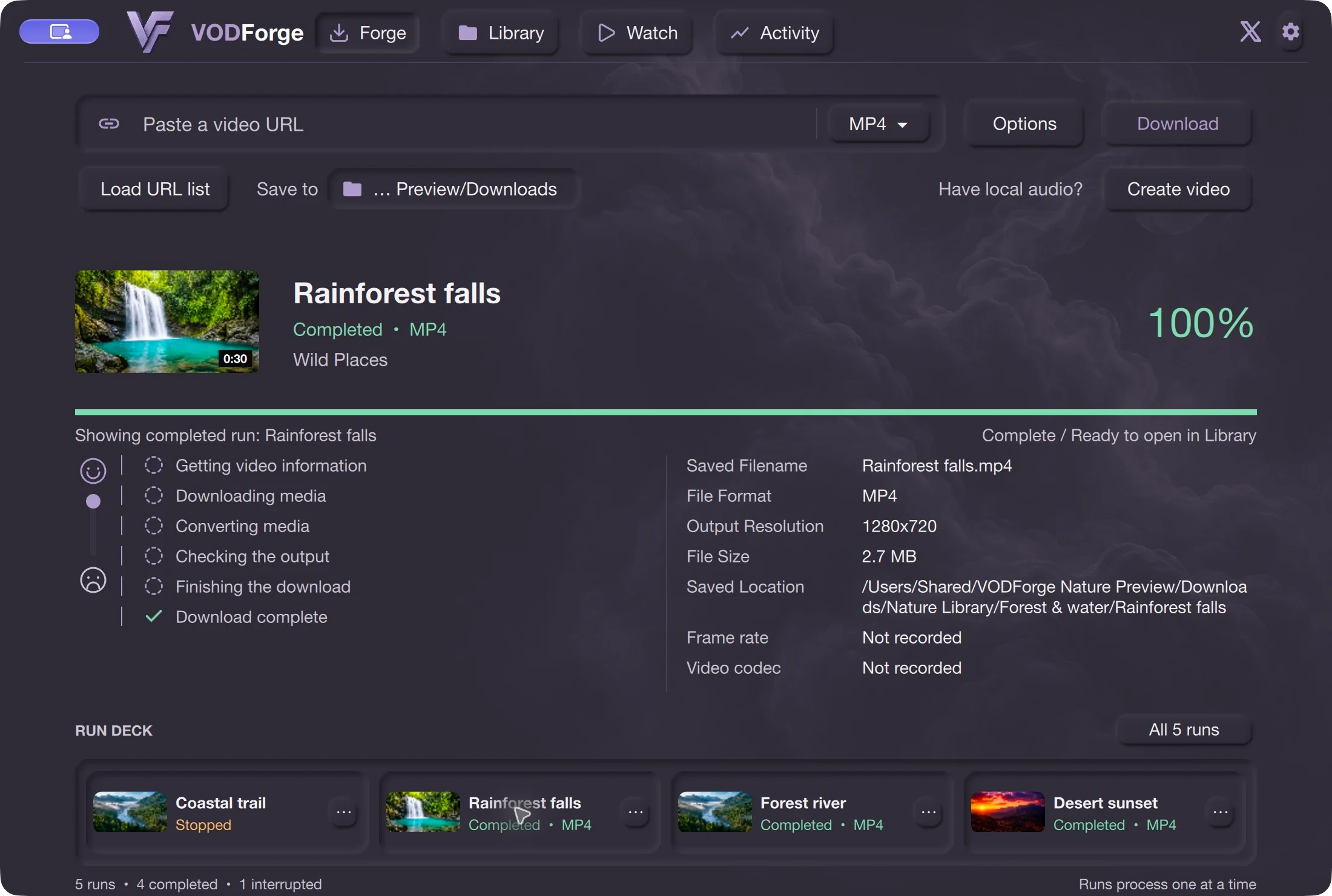
Open Forge, use Save to for your download folder, then paste a YouTube link. Choose MP4, MP3, or Original audio. Options holds the relevant output and access choices.
04
Choose Download and keep the PC awake and connected. A transfer may still need processing before it is ready. Browse the result in Library or open its exact location through My Files.
Browse saved media by playlist or channel and retain item details, notes, and source context. MP4 output settings include task-based presets; use the separate export guide when you need to understand CRF, bitrate, or the measured CPU benchmark results.
Read the measured MP4 export guide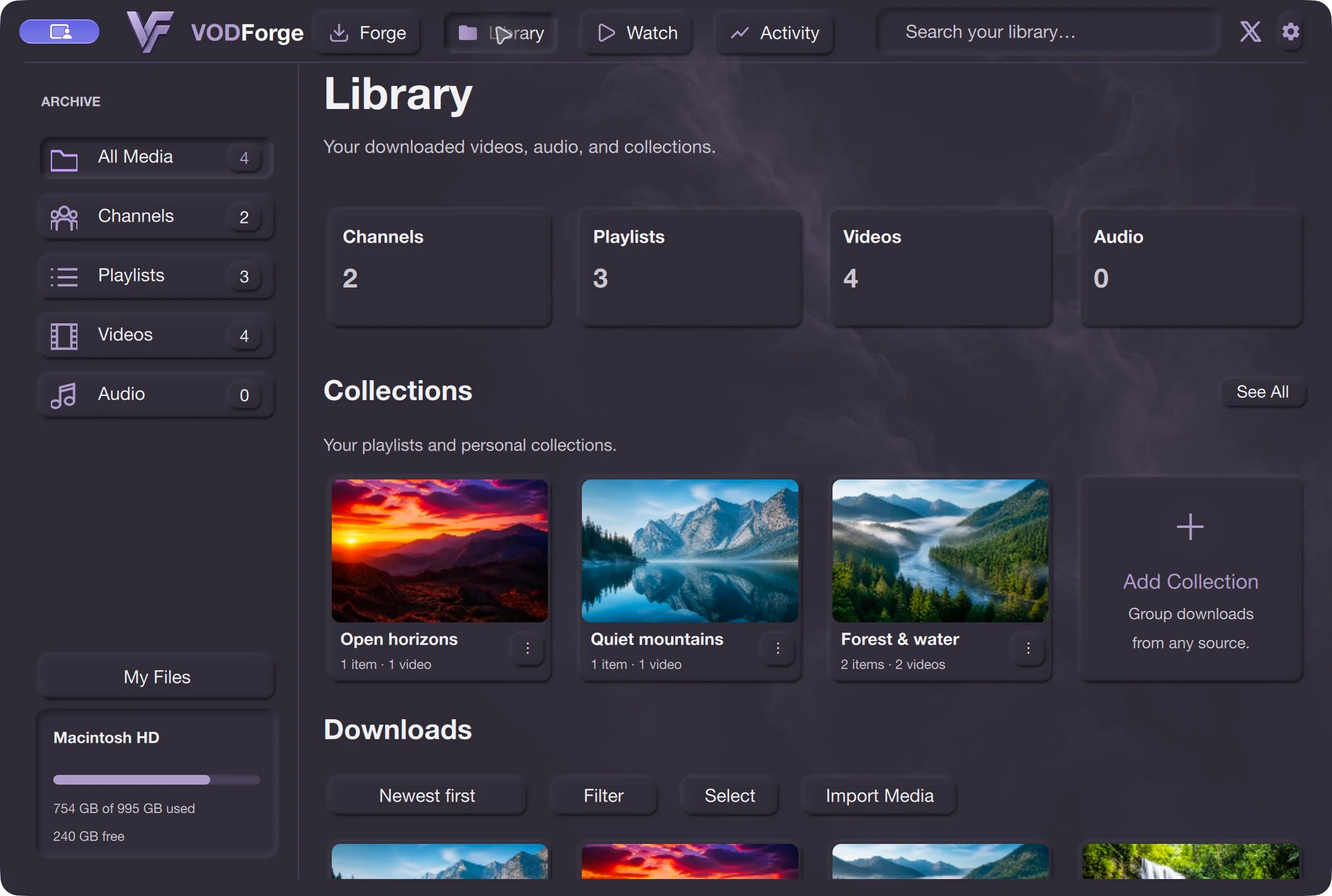
The portable ZIP avoids the installer. It does not mean every preference or record lives beside the executable, and it is not a promise that the app runs on every Windows architecture.
Public Windows packages are signed. Download through the official release and compare its SHA-256 with SHA256SUMS.txt if needed. Read any security prompt and verify the publisher and file rather than bypassing protection.
Save only content you are entitled to download and check the platform’s terms. Source availability, access restrictions, and provider changes can prevent downloads.
The public app supports 64-bit Windows 10 and Windows 11. This guide does not establish native Windows ARM support.
Use the installer for a normal per-user installation with shortcuts and an uninstaller. Choose the ZIP if you specifically want an extracted app folder, and keep all its runtime files together.
No. The app has a CPU export path. Optional NVIDIA encoding on supported Windows systems is separate from downloading, and availability depends on the GPU, drivers, and chosen export settings.
Published release · VODForge 0.2.5
The published Apple Silicon package requires macOS 26 or newer; the Intel package requires macOS 15 or newer. These are bundled-binary requirements, not a full tested-device compatibility matrix. Windows 10/11, 64-bit. No desktop account required. Packaged releases include the tools they need.
Use the installer for normal setup, or keep the portable ZIP’s contents together.
VODForge-Windows-Setup-v0.2.5.exe
Portable ZIPDeveloper ID signed and notarized on Mac; signed Windows packages. SHA-256 checksums · Published release notes · Privacy choices
Practical guides